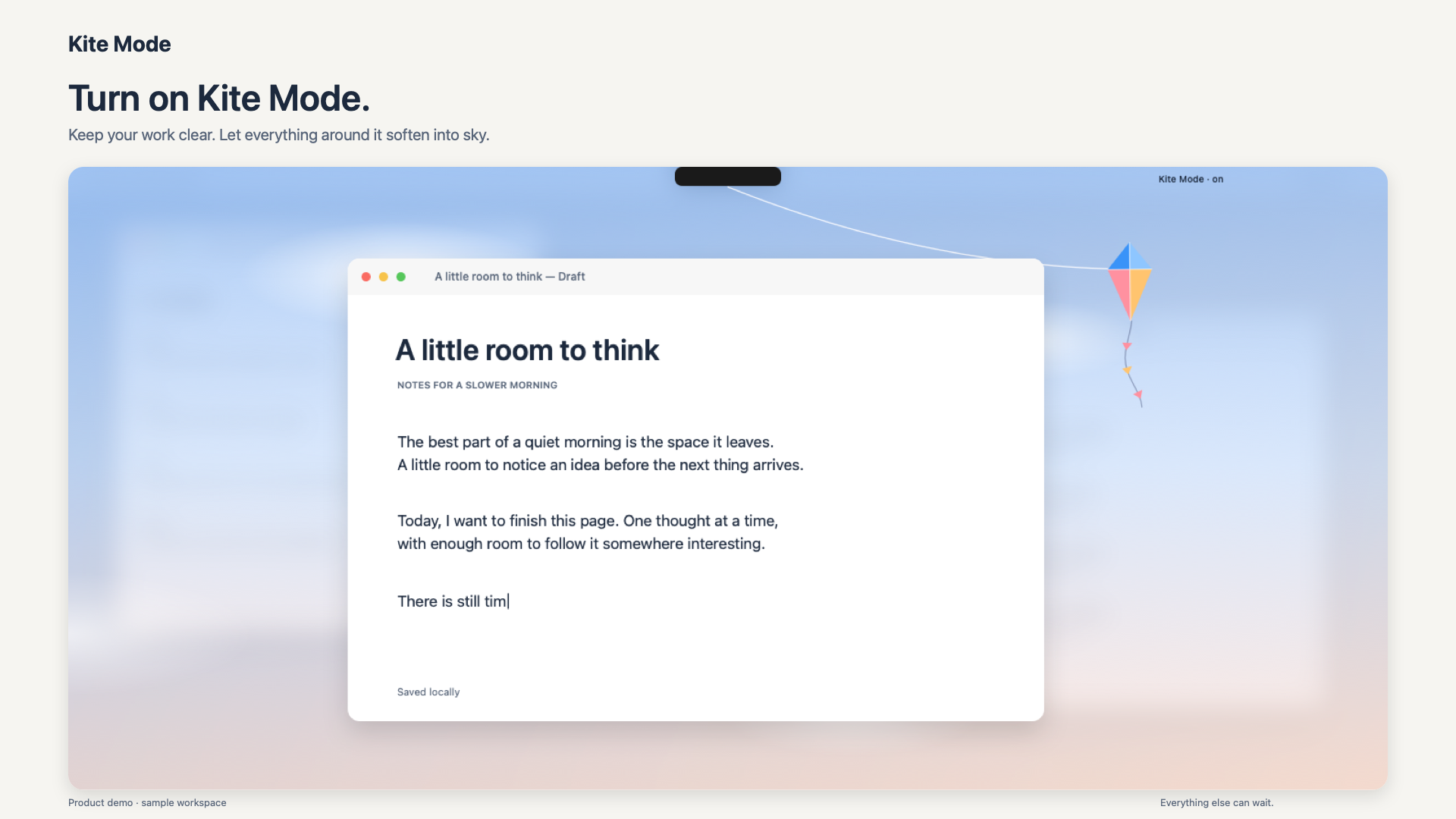
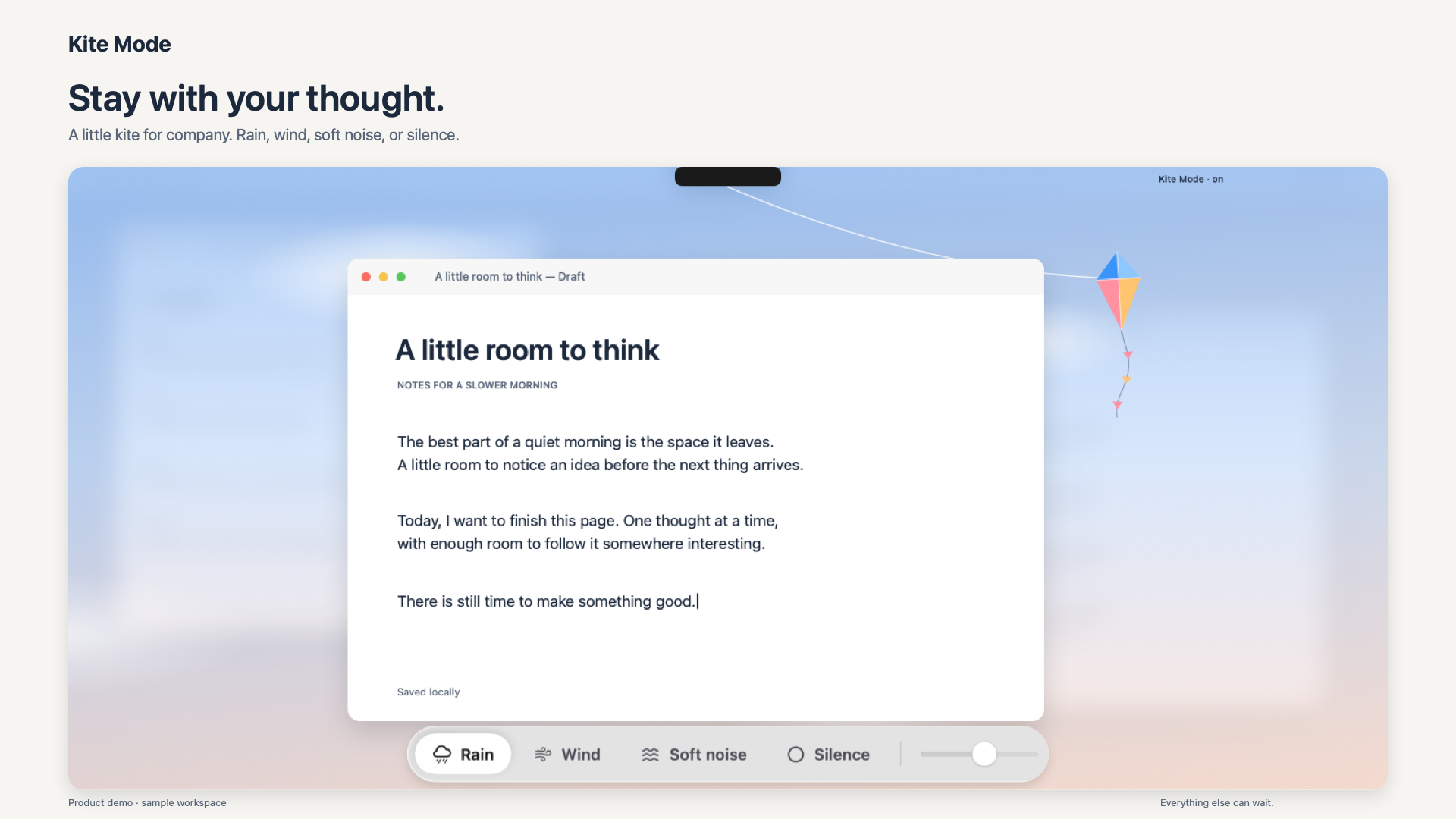
Keep your work in view. Let everything around it rest under a soft sky, with optional rain and a little kite for company. Switch apps normally; Kite Mode follows the window you’re using.
Try the browser simulation below: press K, type a little, then Esc to turn it off. Your Mac isn’t changed.
feed.example/live?tab=everything
LIVE
Everything is happening at once. Here are 48 things you missed this morning.
Team Chat
Inbox · 23 unread
build — zsh
Calendar · Today
9 AM101112 PM12
Standup
Design review10:00 – 11:00
1:1 with Maya
Launch sync12:00 – 1:00
Sync about the sync1:30 – 2:30
Draft — Why calm software wins
Why calm software wins
The best tools disappear. You open them, they do the job, and they get out of the way.
Most days are the opposite: badges, pings, pop-ups and a hundred tabs, each asking for a second of you.
So here’s the idea for our next app: one key, and everything else goes quiet.
11
23
28
3
>_
1
DraftFileEditFormatViewWindowHelp
or press K · Esc turns it off · sound on for the rain · an interactive simulation, your Mac isn’t changed
A little room to think.
See the quiet transition, the kite, and the way back. Sound is optional.
Product demonstration with a staged sample workspace and Kite Mode’s native sky, kite and sound. No private desktop content is shown.
Your work stays clear while the surrounding clutter steps back.Choose rain, wind, soft noise, or silence.
Turn on. Focus. Turn off.
1
Turn on Kite Mode
Use the shortcut or the kite in the menu bar. Your active work window stays clear.
2
Everything else rests
Every window but yours slips under a frosted sky and the rain begins. Click another window and it becomes the clear one.
3
Turn off when you’re done
Turn it off once. The kite comes home and your desktop returns, with no popup or extra click.
Sound, made live
Rain, wind or soft noise, generated on your Mac while you listen. No recordings, so no loop you can hear come round again.
Pair it with Focus
Use macOS Focus when you want quiet notifications too. Kite Mode leaves your Focus settings under your control.
Two windows, when you need them
Writing from notes? Keep the window before it clear too, and let the rest rest.
A sky for the hour
Day, dusk and night skies that follow the clock, and a kite that climbs higher the longer you stay.
Asks for nothing
No Screen Recording, no Accessibility, no account. Kite Mode knows where windows are, never what’s in them. Your session history stays on your Mac.
Built for everyday work
The kite settles as you work, and the sound is optional. Performance and battery use are being measured during the beta.
A quieter workspace, with room to move.
Kite Mode is a visual focus layer. You stay in control of your apps and your time.
When you want to…
With Kite Mode
Work on one thing
Your active window stays clear; the surrounding clutter rests under a sky.
Check something in another app
Click it or use ⌘Tab. It becomes the clear window.
Write from reference material
Keep a second window clear alongside your work.
Choose the atmosphere
Rain, wind, soft noise, or silence.
Return to your desktop
Turn off Kite Mode once. Your desktop returns with your apps where you left them.
Kite Mode doesn’t block apps or websites, close windows, or impose a countdown.
Try Kite Mode on your Mac
Kite Mode is an early Mac beta, built for macOS 14 or later. We’re testing everyday usefulness and performance before a wider release.
This opens an email draft. Send it to request access; there’s no signup form or payment on this page.
Questions
Does Kite Mode block me from using other apps?
No. It changes the visual atmosphere around your work. Click another window or use ⌘Tab as usual, and Kite Mode follows it. You can keep a second reference window clear too. Turn it off whenever you want your full desktop back.
Does Kite Mode see what’s on my screen?
No. It asks macOS where windows are, so it can keep yours clear, and never what’s inside them. That’s why it needs no Screen Recording or Accessibility permission.
Is it a timer?
There’s no countdown or alarm. Kite Mode keeps your focus time on your Mac. Today’s total and recent sessions are available in its menu, without a popup when you finish. The clock pauses after five minutes without input.
How do notifications go quiet?
You can use macOS Focus with Kite Mode. Turn on your preferred Focus in Control Center. Kite Mode leaves your existing Focus settings alone.
What happens when I click another window?
It becomes the clear one and the one you left rests under the sky. Dialogs keep their document clear, and you can keep two windows clear if you work from notes.
Will it slow my Mac down?
Kite Mode uses macOS window effects and a generated sound engine. We’re measuring CPU, WindowServer activity and longer-session energy use on real Macs during the beta.
Can I change the shortcut?
Not in the beta, which uses ⌃⌥⌘S. You can always click the kite in the menu bar instead.